
Claude has become one of the most widely used AI assistants for a reason. It is fast, articulate, and surprisingly capable across a wide range of tasks. Teams use it to summarize documents, write content, analyze data, and even assist with technical workflows.
On the surface, it feels like a major step forward in how work gets done. You can ask complex questions and get structured, thoughtful responses in seconds. Compared to traditional tools, the productivity gains are obvious.
But once teams move beyond experimentation and start relying on it in real workflows, a different set of challenges begins to show up.
Not in what Claude can do, but in how much you can trust it.
The Subtle Cost of "Mostly Right"
One of the most common patterns with Claude is that it is often right, but not always fully right.
For low-stakes tasks, that is fine. If you are drafting an email or brainstorming ideas, being directionally correct is enough. The user can quickly edit or refine the output.
But in more complex scenarios, "mostly right" creates friction.
Users often find themselves:
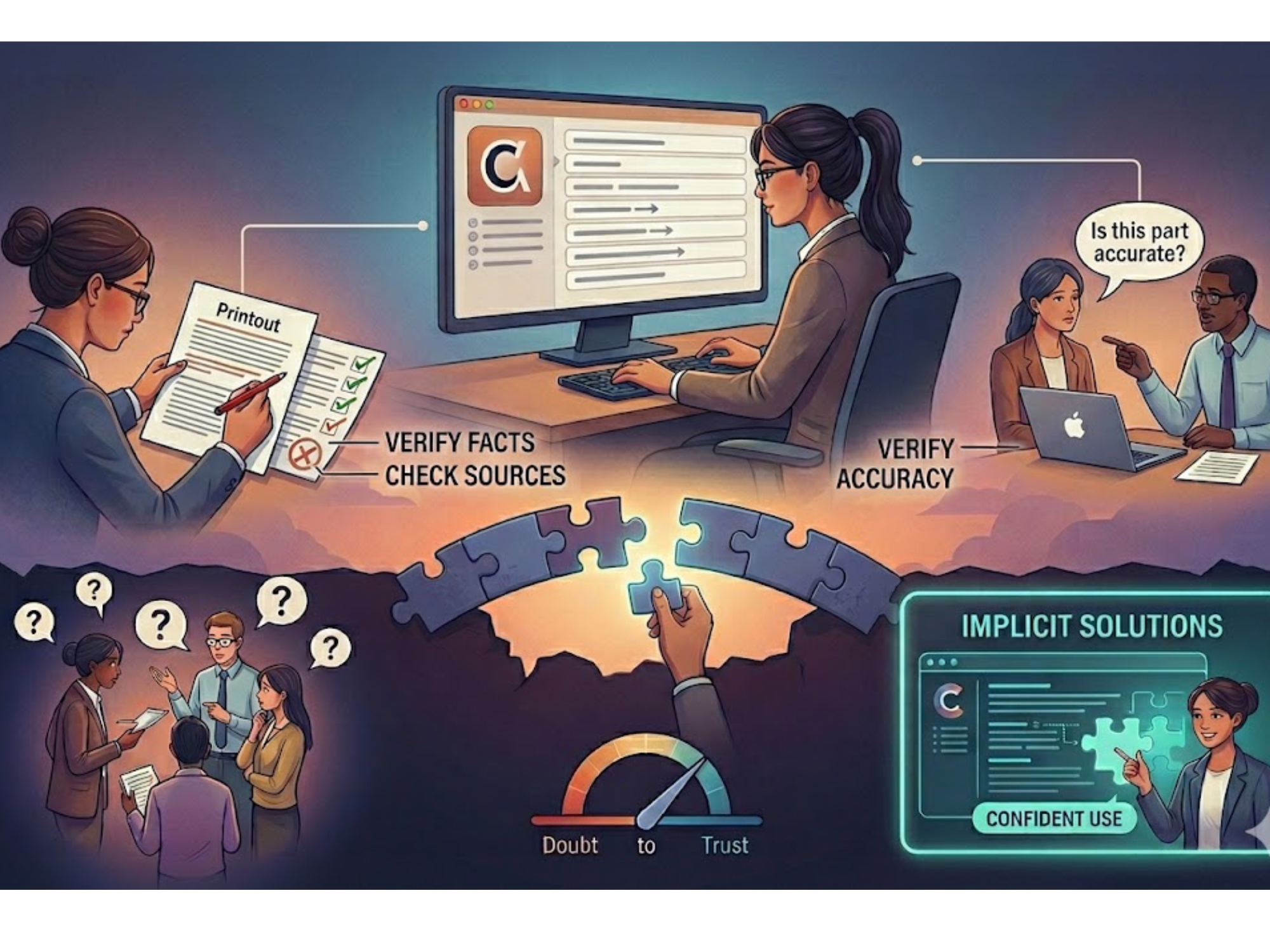
- Re-reading outputs line by line to check for inaccuracies
- Cross-referencing responses with original documents
- Asking follow-up questions to validate edge cases
- Rewriting answers to make them more precise or actionable
The time saved upfront can quietly reappear on the back end. What looked like a complete answer becomes the starting point for verification.
This is not a flaw unique to Claude. It is a natural result of how general-purpose AI systems work. They generate responses based on patterns, not grounded certainty. But in practice, it changes how people use the tool.
Instead of replacing effort, it redistributes it.
When Context Starts to Break Down
Another challenge appears when tasks require deep, domain-specific understanding.
Claude handles general knowledge extremely well. It can explain concepts, summarize long inputs, and reason across multiple ideas. But when the task depends on highly specific internal context, things get harder.
For example:
- Internal documentation that evolves frequently
- Niche technical procedures with exceptions and dependencies
- Policy or compliance rules that require exact interpretation
- Large bodies of information spread across disconnected sources
In these cases, users often notice that Claude:
- Misses subtle but important details
- Blends information from multiple contexts incorrectly
- Struggles to stay consistent across longer workflows
Even when the output sounds confident, there can be gaps underneath it. This creates a different kind of cognitive load. The user is no longer just consuming information. They are actively validating it.
The Confidence Problem
Over time, these small uncertainties add up to something bigger: hesitation.
Teams start to treat Claude as a helpful assistant, but not a final authority. It becomes something you consult, not something you rely on completely.
If an engineer still needs to double-check a solution before deploying it, or a support agent needs to verify an answer before sending it to a customer, then the workflow has not fundamentally changed. It has just been accelerated in parts.
The real bottleneck shifts from "finding information" to "deciding whether the information is safe to use." That is a much harder problem to solve.
Why This Gap Keeps Showing Up
The underlying issue is not about model quality. Claude is one of the most advanced systems available today. The issue is that it is designed to be broadly useful across many different types of work. That means it has to generalize.
It does not inherently know which sources matter most inside your organization. It does not prioritize one document over another based on internal relevance. It does not guarantee that its answers reflect the latest or most accurate version of your knowledge base.
So even when it performs well, there is an implicit step left to the user: validation. For individuals, that might be manageable. For teams operating in complex environments, it becomes a scaling problem.
Where Implicit Bridges the Gap
This is where a different approach starts to matter. Tools like Implicit are built around a narrower but more demanding goal: making answers reliable enough to act on without a second round of checking.
Instead of generating responses from generalized patterns, Implicit structures an organization's knowledge into something the system can reason over directly. Answers are tied back to specific sources, and the logic behind them is visible rather than assumed. That changes the role of AI in the workflow. Instead of something you consult and verify, it becomes something you can use with confidence in moments where accuracy matters most.
A Shift in What "Useful AI" Means
The first wave of AI tools made it dramatically easier to generate information. That alone has changed how people work. But as adoption deepens, the definition of usefulness is starting to evolve. It is no longer just about how quickly you can get an answer. It is about how confidently you can use it.
Claude excels at helping teams move faster. That is clear. The open question, and the one more teams are starting to ask, is what happens after the answer is generated.
Because in many workflows, that is where the real work begins.